
Ardour Features
Recording
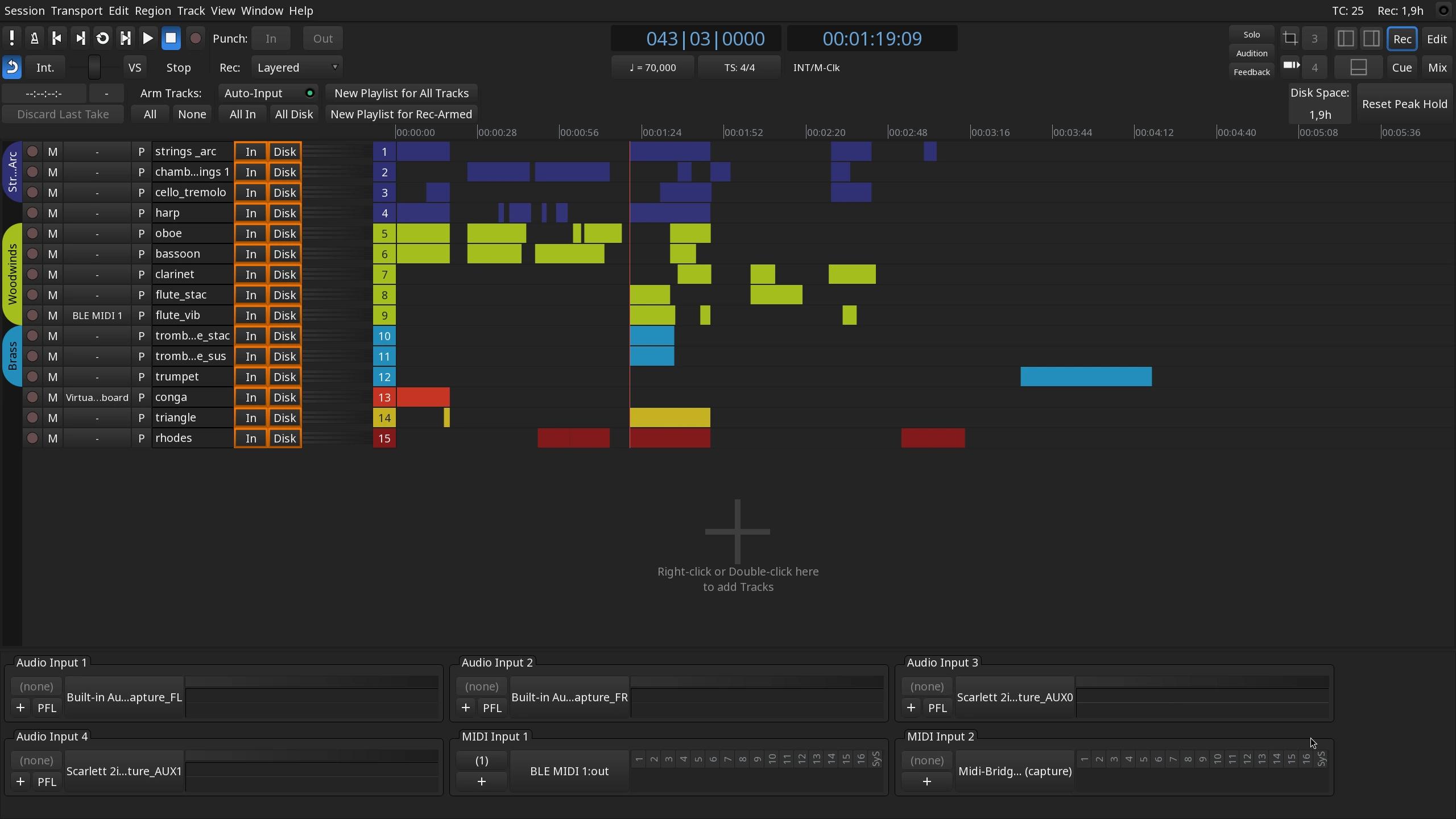
Record with flexible punch in/out, voice-activated capture, and real-time cue monitoring. Track multiple sources in the dedicated Recorder view. Create and sift through takes with playlist-based comping and flexible layering. Use 3rd-party NDI plugins as I/O plugins to record dry and wet takes simultaneously. No tier limitations for the number of tracks and busses.
Composing
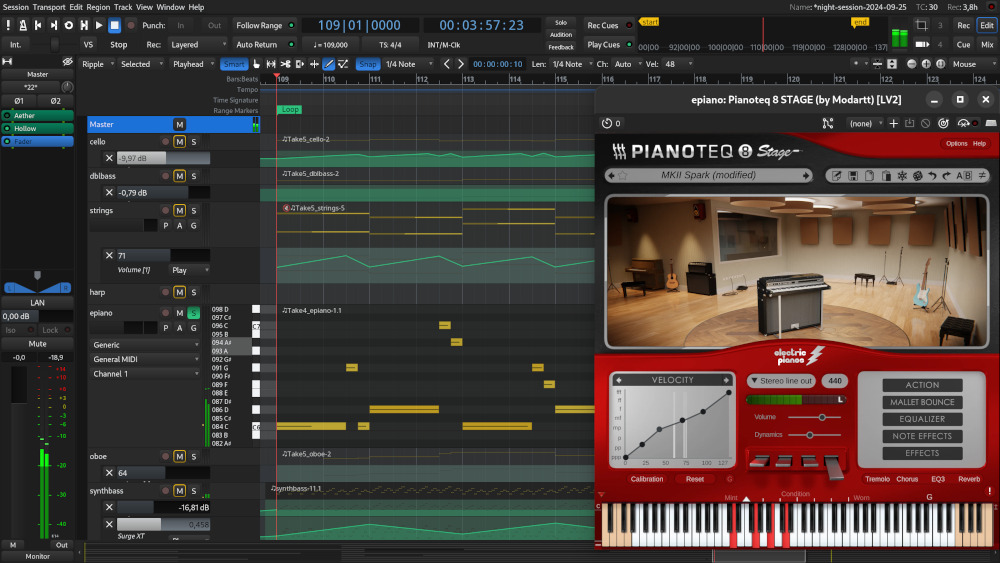
Capture performances live, with step entry or pianoroll note drawing for precise timing. Compose using MIDI patch changes and bundled MIDNAM descriptions for hardware synths and orchestral libraries. Build track templates, reusable clips, and access thousands of royalty-free MIDI grooves and audio clips. Adjust tempo with instant or gradual ramps, and go microtonal with Scala support.
Editing
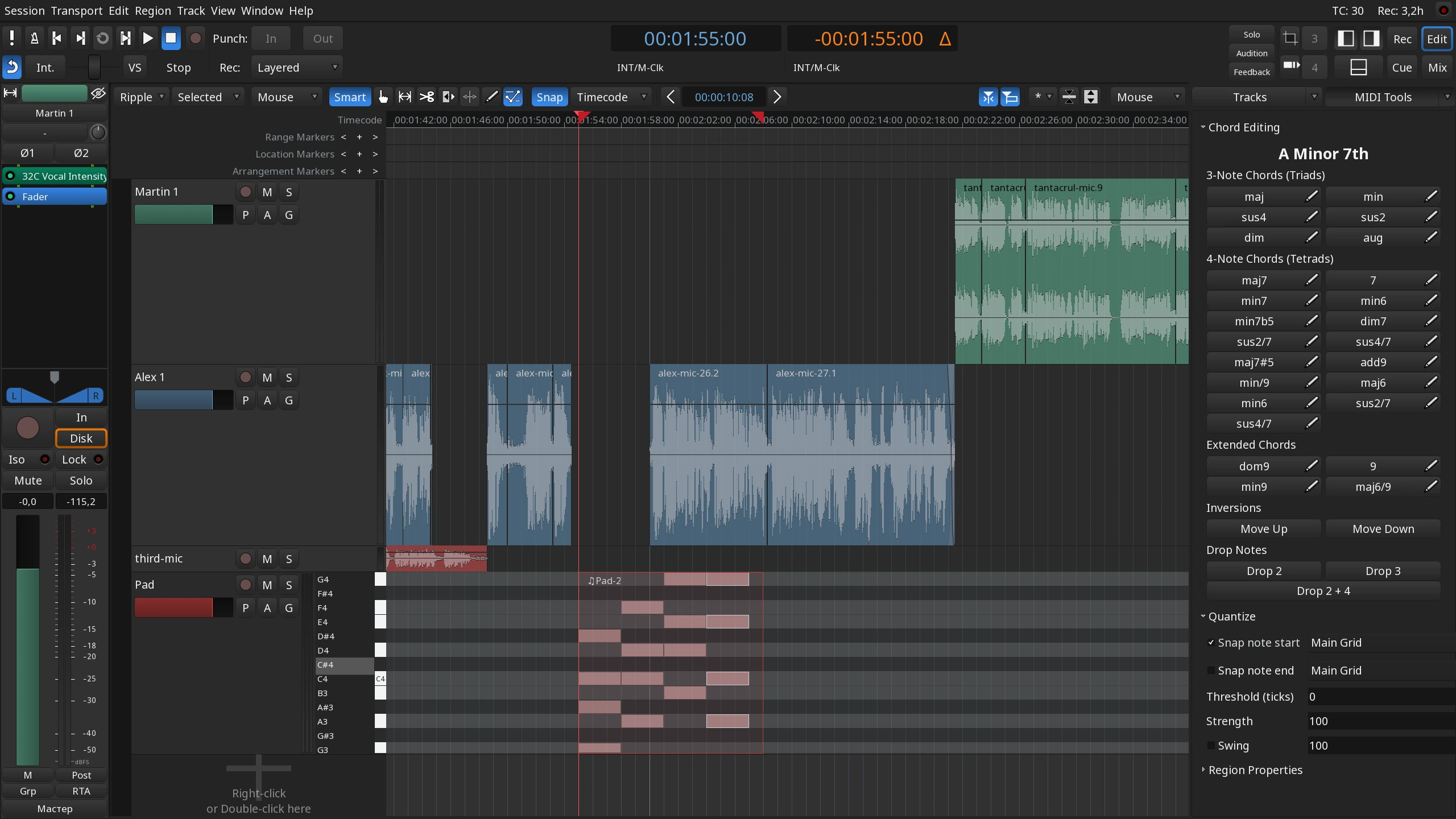
Edit your sessions non-destructively, with unlimited undo/redo and region-level gain adjustments. Compose, mix, and automate in one or multiple windows at your preference. Audio editing covers splitting, pitch-shifting, and fades, while MIDI editing offers quantizing and batch transformations. Ripple editing and onset detection round out precise timing control.
Performing live
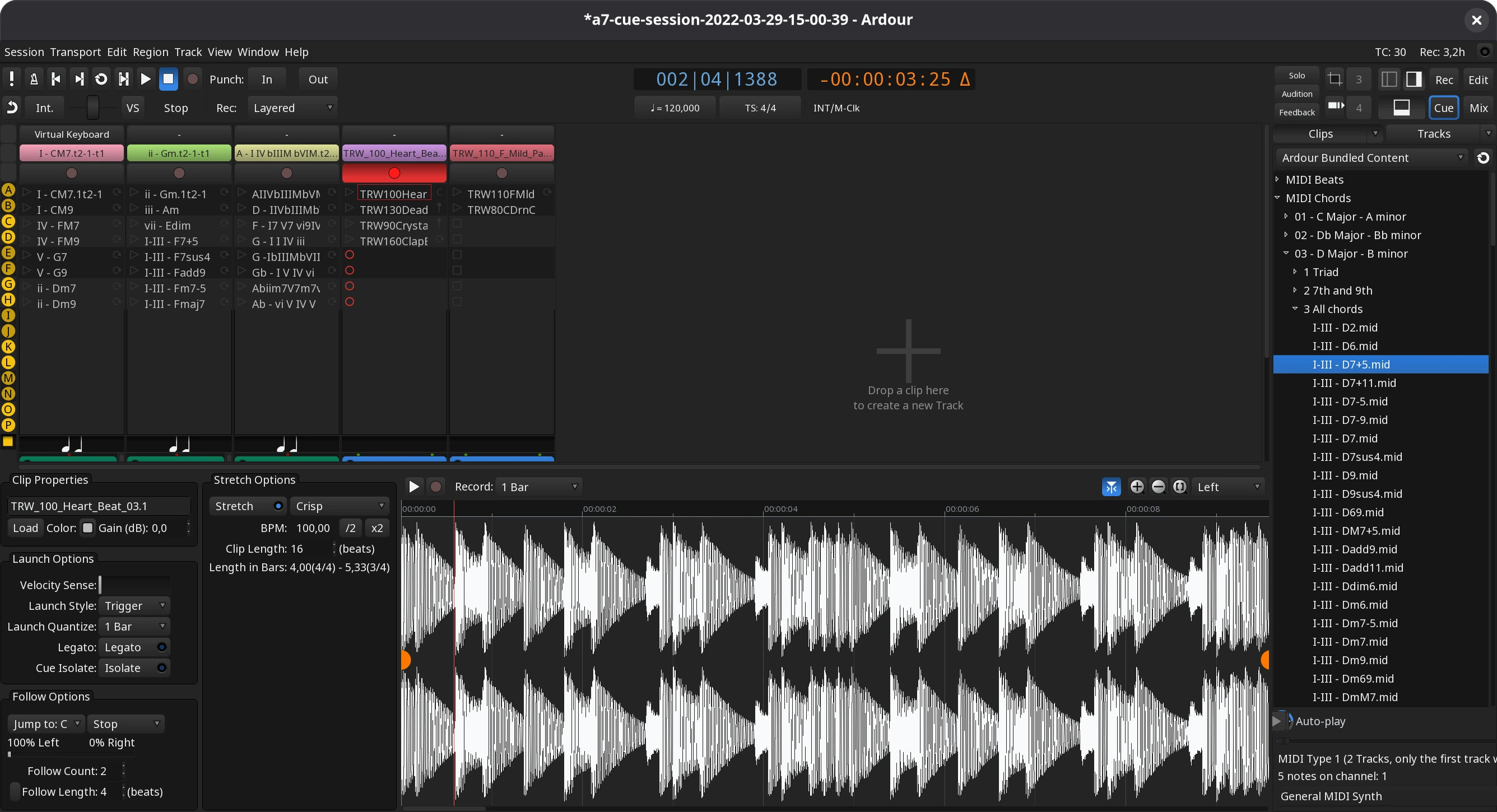
Use Novation Launchpad or Ableton Push 2 to trigger clips playback, repeat, and transition in the built-in non-linear sequencer. Record and instantly replay audio and MIDI clips. Use cue markers in the Editor to trigger cues anywhere on the timeline, merging traditional and cue sequencer.
Soundtracks
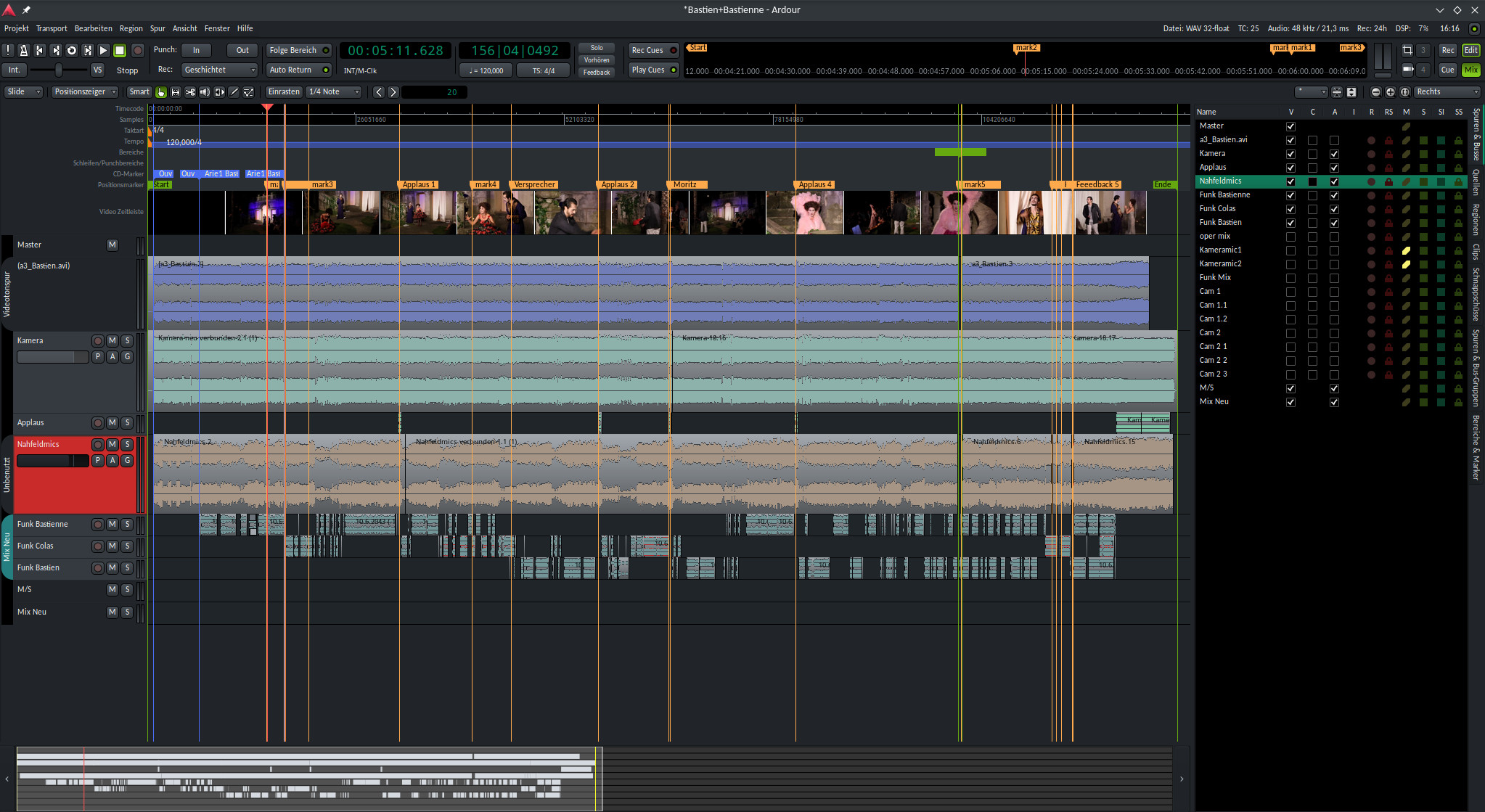
Import any video to the dedicated video timeline and see a frame-by-frame view locked to audio/MIDI regions. Use the built-in video monitor to sync footage to the timeline with timecode support. Extract, mute, re-record audio, and then export to dub soundtracks. Sync sources and split tasks across machines with LTC support.
Mixing
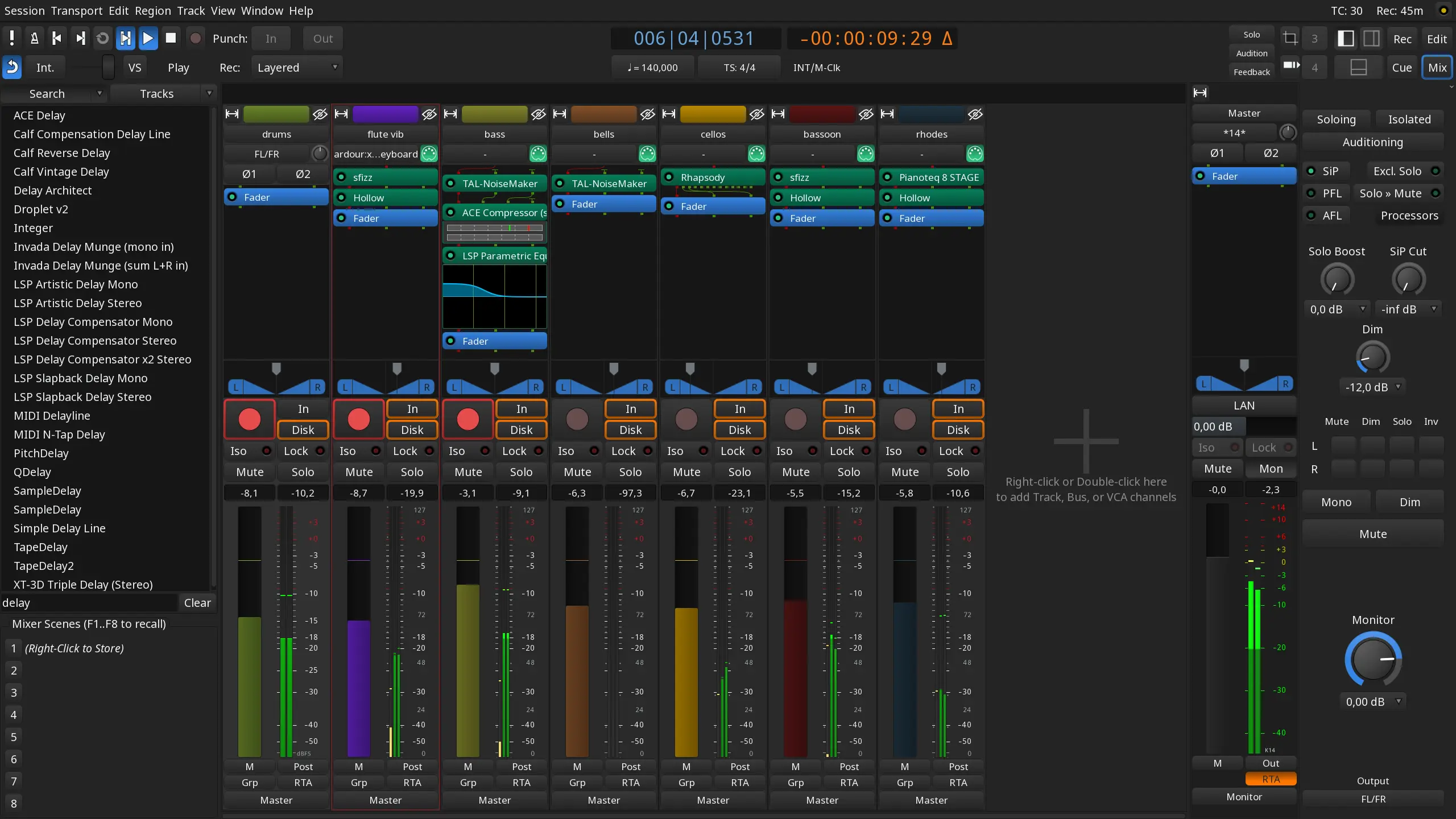
Use the Mixer view to bring all controls together with drag-and-drop presets. Route the signal with matrix-style patching, use Pin Connections to create complex processing chains. Mix with AFL/PFL, flexible panning, solo/listen options, and inline plugin control in mixer channels. Group tracks and busses with VCA faders and use foldback busses for front-of-house mixing. Extras include mixer scenes and control surface support.
Mastering
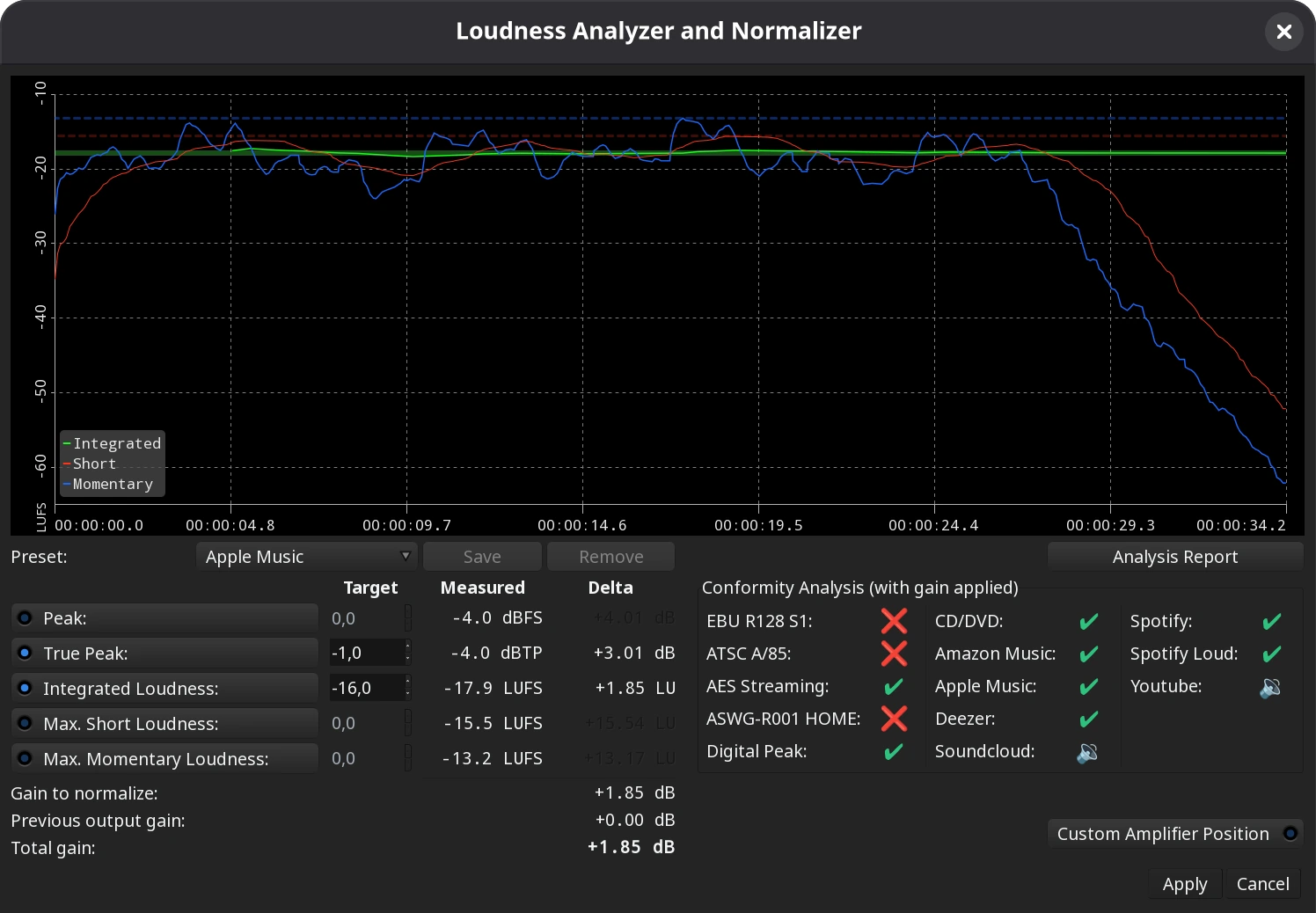
The optional monitor section offers dim, cut, and mute controls with room correction options. Standard Metering supports Peak, EBU R128, and other meter types anywhere in the chain. Analysis tools cover loudness and spectrogram comparisons. The Loudness Assistant adjusts gain to meet popular streaming platform requirements.
Exporting
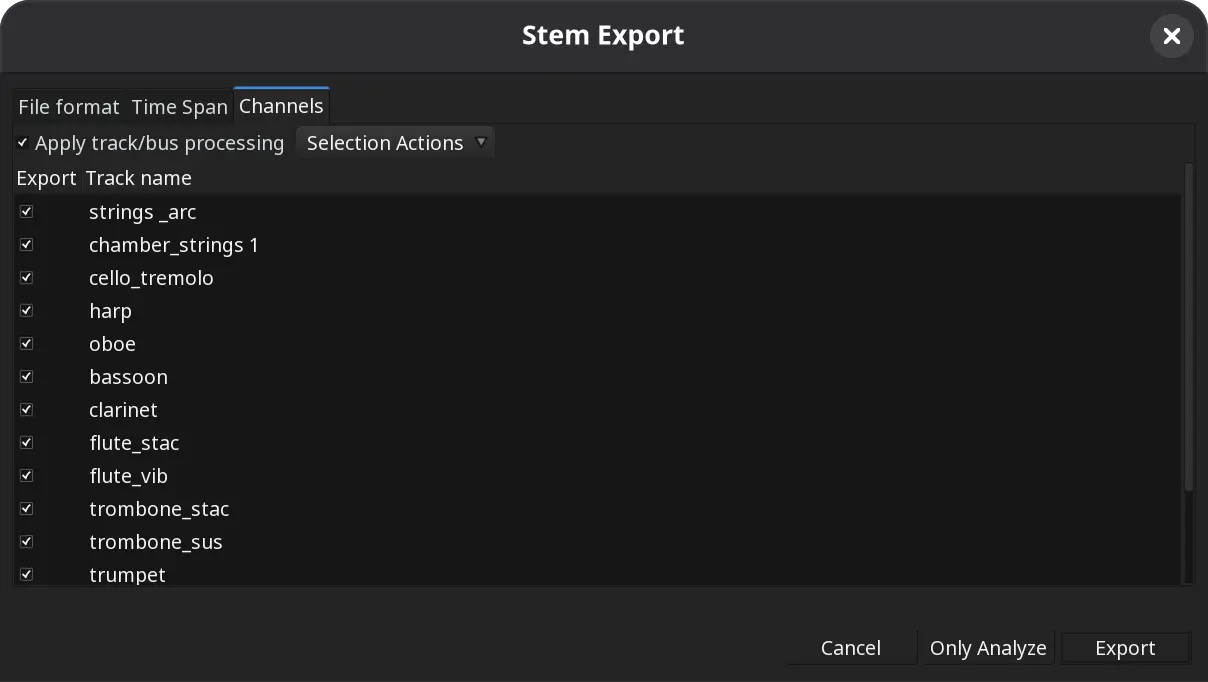
Export to common formats one by one or all at once, with FFmpeg support for extra formats. Stem exporting creates per-track files for external mixing, while Quick Export renders WAV files fast. Archive sessions with FLAC compression, choose faster-than-realtime or real-time export, and review post-export loudness and frequency analysis.
Extend Ardour
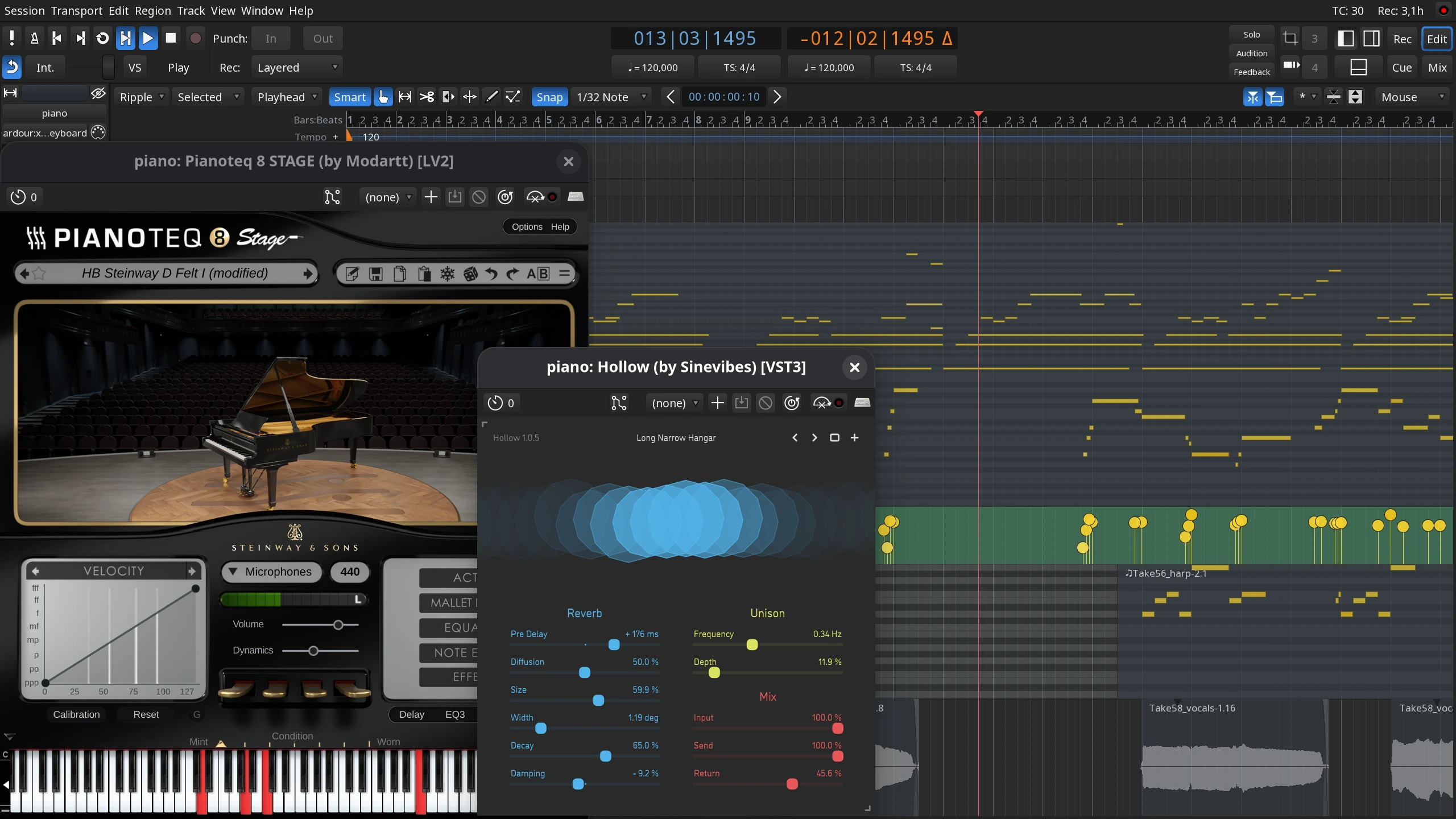
Extend Ardour with thousands of native VST2, VST3, AU, LADSPA, and LV2 plugins for processing and virtual instruments. Create new effects using built-in DSP functions like biquad and lowpass/highpass filters. Automate routine tasks with Lua scripts to control Ardour, build templates, and send OSC messages.
Specifications
Your CPU, audio interface and disk system are the only limits to what you can do with Ardour.
| Feature | Ardour Limit | Limiting System Features |
|---|---|---|
| Number of tracks | No Limit | Disk system, CPU |
| Number of busses | No Limit | CPU |
| Sample Rate | No Limit | audio interface |
| Channels | No Limit | audio interface, CPU |
| Sends/Inserts Per Track | No Limit | CPU |
| Plugins Per Track | No Limit | CPU |
| Latency | No Limit | Hardware, BIOS, OS kernel, video drivers, Wifi drivers. |
As a general rule of thumb, most modern computers will be able to handle 24 tracks with moderate plugin processing (some EQ and other less intensive processing per track, plus compression and reverb on busses) without much of a problem as long as your latency settings are not too demanding.